
Immutable Backup
In recent years, backup systems have become attackers’ first target in ransomware attacks. When backups are deleted or encrypted, businesses largely lose their chance of recovering data. To eliminate this risk, the MAV Cloud Immutable Backup service combines Veeam Backup & Replication with Object Lock technology.
- Equinix Istanbul data center
- VMware-based infrastructure
- Veeam-based backup
- 99.9% availability target
- 15-min critical response target
- ISO 27001 · 22301 · 9001
Our Immutable Backup service
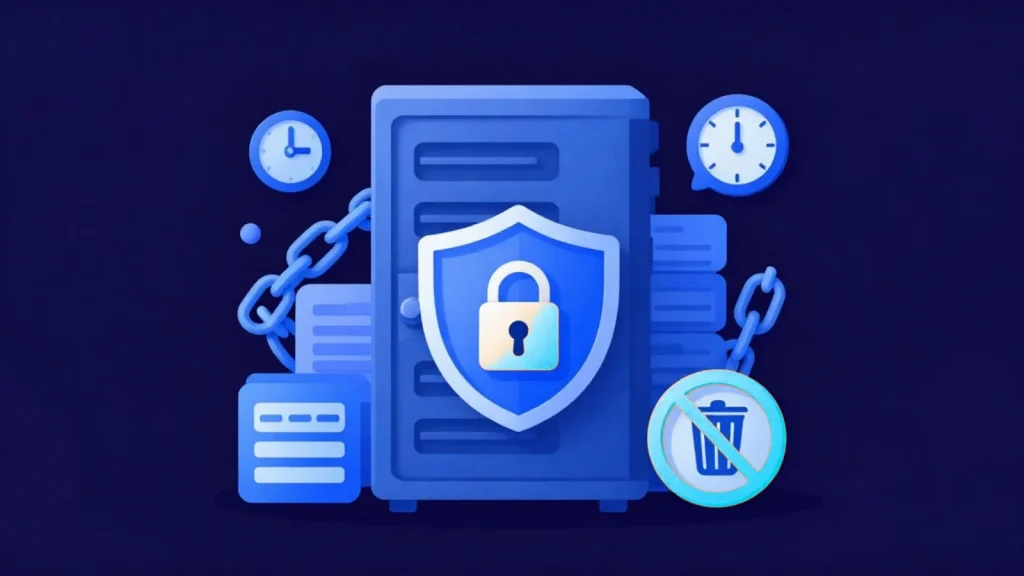
With Immutable Backup, the backups you create cannot be deleted, modified, or encrypted by any user for the period you define. Not even a user with administrator privileges can tamper with this data.
Running on our Amazon S3-compatible Object Storage infrastructure, our Immutable Backup solution is ideal for organizations that want to build data protection policies aligned with KVKK (Turkish Personal Data Protection Law), ISO 27001, and cybersecurity standards.
After a ransomware attack, you can restore from clean backups within minutes and safeguard your business continuity.
Get a custom quote
Tell us what you need, and our expert team will get back to you as soon as possible.
- Phone+90 532 054 49 14
- Emailinfo@mavcloud.com.tr
Why MAV Cloud Immutable Backup?
- Veeam Immutable Backup
- Object Lock technology
- Amazon S3-compatible Object Storage
- Ransomware protection
- Backups that cannot be deleted or altered
- Secure Cloud Storage
- Structure aligned with KVKK and enterprise security standards
- 24/7 expert support
How Veeam immutable backup works: WORM and retention lock
Immutable backup is built on the WORM (Write Once, Read Many) principle. As soon as a backup file is written to the repository, a retention lock is applied, and until the lock expires the file cannot be deleted, overwritten or encrypted. The lock is enforced at the storage layer, not inside the backup software; so compromising the backup server or an administrator account is not enough to delete the backup.
Veeam applies this lock on S3-compatible object storage using the Object Lock feature. An immutability period is defined for each backup chain; incremental backups are also protected as long as the chain they belong to remains locked. Object Lock has two modes:
- Governance mode: accounts with special permissions can remove the lock; this provides flexibility during testing and transition periods.
- Compliance mode: no account can remove the lock before the period ends; this is the strictest protection against ransomware.
The concept is explained in detail in our what is immutable backup guide.
Service assurance: The service level agreement sets a monthly availability target of 99.9% for backup services; for a critical incident such as a suspected ransomware attack, the first-response target is 15 minutes.
When is immutable backup the right choice?
Not all data needs an immutable copy with the same priority; adding one alongside standard backups is recommended in the following cases:
- The backup server is joined to the domain: the risk of an attacker reaching backups with an administrator account increases.
- The only copy sits on the same network: ransomware spreading across the network can encrypt backup files too.
- You keep audit logs and archives: you need to show that records have not been altered afterward.
- You operate under ISO/IEC 27001 or ISO 22301: backup integrity and business continuity controls must be demonstrable.
- There is only one backup copy at a remote site: if that copy is lost, there is no other clean point to recover from.
The immutable layer does not replace your existing backup setup; it is a security layer added on top of it. Day-to-day restores are done from the fast-access standard backup repository, while the immutable copy comes into play only in scenarios where production and standard backups are damaged together. This distinction also determines which data the lock period applies to and how storage capacity is planned. Two questions are asked when setting the lock period: in the worst case, how long could it take to detect an attack, and how far back is it acceptable to go to reach a clean copy? The answers are settled jointly by the business units and the information security team; the period is then adjusted to the structure of the backup chain.
Common immutable backup mistakes
- Setting the lock period too short: ransomware often sits undetected on the network for some time; if the lock is shorter than that dwell time, the clean copy can be lost too.
- Setting the lock period unnecessarily long: since locked data cannot be deleted before the period ends, storage costs grow uncontrollably.
- Sharing backup infrastructure credentials with production accounts: without separation of privileges, the protection the lock provides is weakened.
- Never testing a restore: which date the clean copy is from and how long it takes to bring up can only be known through testing.
At MAV Cloud, immutable backups are kept on S3-compatible object storage and designed together with the overall backup setup, that is, our cloud backup service.
To check the other core controls alongside immutable backup, use the ransomware resilience check; it ranks the gaps by importance.
On-premise immutable storage or cloud immutable backup?
Immutable storage can also be built on-premise. The most common way in Veeam environments is a hardened repository on a Linux server, where backups are locked for a defined period and cannot be changed or deleted during it (Veeam Help Center). An on-premise repository restores quickly over the local network, but it stays in the same building as production: fire, flooding, theft or someone with physical or console access to the server can still affect it, and the hardware, patching and capacity planning remain the company’s job.
Cloud immutable backup keeps the locked copy at another location. The usual recommendation is to combine the two: a local immutable copy for fast everyday restores and an offsite immutable copy for disasters, in line with the 3-2-1-1-0 approach described in our 3-2-1 backup rule guide. MAV Cloud provides the offsite layer with Veeam and Object Lock on S3-compatible object storage in its Equinix Istanbul infrastructure.
Who is Immutable Backup for?
- Organizations that want a last line of defense against ransomware
- Organizations that need to protect backups from unauthorized deletion
- Organizations required to keep tamper-proof records for audits
- Businesses looking to strengthen their existing Veeam infrastructure
Frequently asked questions about Immutable Backup
Why is immutable backup important?
Ransomware often targets backups first. Immutable backups cannot be deleted or modified for a defined period, not even with administrator privileges, so you always have a clean copy on hand after an attack.
Can I set the retention period myself?
Yes. The immutability period is set according to your business and regulatory requirements.
Does it work with my existing backup software?
It works with backup software that supports S3 Object Lock, most notably Veeam.
What is the difference between governance mode and compliance mode?
In governance mode, specially privileged accounts can remove the lock. In compliance mode, no account, including administrators, can remove the lock or delete the backup until the defined period expires.
Is an immutable backup the same as an offline (air-gapped) backup?
No. An offline backup is a copy physically disconnected from the network; an immutable backup stays online but cannot be changed thanks to a lock at the storage layer. Both can be used together in the same strategy.
Related guides
- Backup Strategy: How to Protect Your Business
- What Is the 3-2-1 Backup Rule? Step-by-Step Setup and 3-2-1-1-0
- How to Create a Disaster Recovery Plan: A Step-by-Step Guide
- Ransomware Protection: An Enterprise Guide to Stopping Ransomware Attacks
- What Is Immutable Backup? Unchangeable Backups Against Ransomware
Our other Backup & Disaster Recovery services
 Cloud BackupYour corporate data is one of your business's most valuable assets. Hardware failures, user errors, cyberattacks, ransomware, or natural disasters…Learn more
 Microsoft 365 BackupAlthough Microsoft 365 offers high availability, Microsoft is not responsible for the long-term backup of your data. Accidentally deleted emails,…Learn more
 Disaster Recovery (DRaaS)Backups alone are not always enough for business continuity. If your critical systems stay down for hours, you can suffer serious financial losses. MAV…Learn more
 Data ReplicationBackups alone are not enough for business continuity. When hardware failures, data center outages or cyberattacks hit critical systems…Learn more