

Disaster Recovery (DRaaS)
Backups alone are not always enough for business continuity. If your critical systems stay down for hours, you can suffer serious financial losses. The MAV Cloud Disaster Recovery as a Service (DRaaS) service keeps your systems continuously ready in our secondary data center and brings them back online within minutes in a disaster scenario.
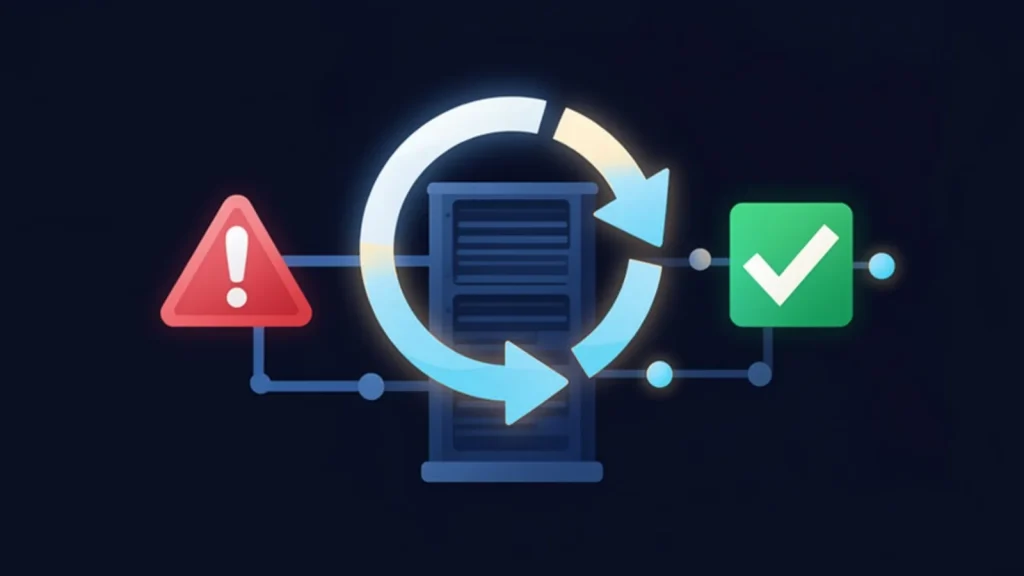
- Equinix Istanbul data center
- VMware-based infrastructure
- Veeam-based backup
- 99.9% availability target
- 15-min critical response target
- ISO 27001 · 22301 · 9001
Our Disaster Recovery (DRaaS) service
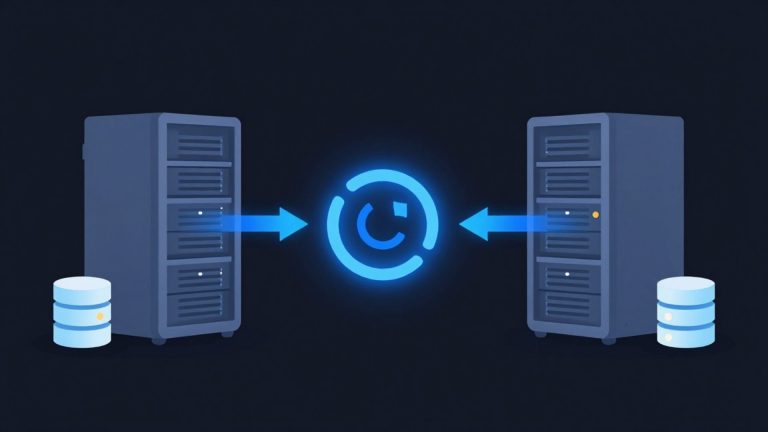
With Veeam Continuous Data Protection (CDP) technology at the core of our infrastructure, your virtual machines are replicated to a secondary site in near real time. Instead of traditional daily backups, you can achieve RPO (Recovery Point Objective) values measured in seconds and keep data loss to a minimum.
In the event of hardware failure, a data center outage, power problems, ransomware attacks or natural disasters, your systems can be brought online from the secondary site automatically or in a controlled manner. Business continuity is maintained while your customers experience minimal service disruption.
Our expert team runs regular disaster recovery tests to verify that your systems will actually work. The result is a disaster recovery infrastructure that is proven in practice, not just in theory.
Get a custom quote
Tell us what you need, and our expert team will get back to you as soon as possible.
- Phone+90 532 054 49 14
- Emailinfo@mavcloud.com.tr
Why MAV Cloud DRaaS?
- Veeam Continuous Data Protection (CDP)
- Real-time virtual machine replication
- Failover within minutes
- Automated failback support
- VMware and Hyper-V compatibility
- Low RPO and RTO
- Always-ready infrastructure in a secondary data center
- Regular disaster recovery testing
- 24/7 expert support
How are RPO and RTO set for a DRaaS disaster recovery site?
Designing a disaster recovery service (DRaaS) starts with two targets. RPO (recovery point objective) shows how much data, looking back, is acceptable to lose in an outage. RTO (recovery time objective) defines how quickly a system must be back in service at the disaster recovery site. These values are set by the business before any technology is chosen; applying the same target to every application leads either to unnecessary cost or to inadequate protection.
At MAV Cloud, RPO and RTO values are defined per project, based on each system’s criticality tier. A typical classification looks like this:
- Critical systems: ERP, production and sales applications; continuous replication and priority failover order.
- Important systems: file servers, internal applications; replication at set intervals.
- Supporting systems: test environments, archives; restoring from backup may be sufficient.
How to document targets and scenarios is explained step by step in our how to create a disaster recovery plan guide.
Service assurance: A request raised during a disaster is handled as critical priority; the service level agreement sets a 15-minute first-response target for this priority. From the failover decision to informing business units, the process aligns with MAV Cloud’s ISO 22301 certified business continuity and ISO/IEC 27001 certified information security management systems (see our certifications).
MAV Cloud’s CDP (continuous data protection) based disaster recovery platform targets an RPO of 15–60 seconds and an RTO of 5–15 minutes for critical systems. These are targets, not commitments; they are set per project based on the system design and are planned to be validated with a failover test. Organizations receiving the disaster recovery service include Sardis Portföy Yönetimi, an asset management company.
Failover and failback testing
A disaster recovery plan that has never been tested may not deliver the expected result in a real outage. Testing follows these steps:
- Scope and order: which virtual machines are started and in what order, along with dependencies (for example Active Directory first, then the database, and the application server last), is defined.
- Isolated test: replicas are started in an environment separated from the production network; production keeps running.
- Validation: the application is confirmed to start, and data consistency and user access are checked; the measured time is compared with the RTO target.
- Failback rehearsal: for the return to the primary site, only the data changed during the outage is planned to be transferred back.
- Reporting: deviations, missing steps and runbook items that need updating are recorded.
How often to test depends on how quickly the infrastructure changes. Rolling out a new application, changing the network design or adding virtual machines means the plan must be tested again. The runbook should also spell out how DNS records, external access addresses and VPN connections will be redirected during failover; a system that is technically up does not count as in service if users cannot reach it. Decision-making authority is also clarified in advance: who makes the failover call, which channel is used for communication and how business units are kept informed are all added to the plan. In the ISO 22301 business continuity approach, these roles and communication steps are considered as important as the technical steps.
Comparing disaster recovery site approaches
| Approach | Recovery speed | Investment and operational burden |
|---|---|---|
| Restore from backup only | Depends on data volume, relatively slow | Low; but target hardware must be available |
| Second in-house data center | Fast | High; hardware, licensing, space and staffing |
| DRaaS | Fast; with replication and ordered failover | Resources are consumed as a service; the provider carries the operational burden |
Restoring from backup alone is a reasonable option for supporting systems; for critical systems, however, restore time grows with data volume and target hardware must be ready at that moment. A second in-house data center delivers speed, but it keeps generating hardware, licensing and maintenance costs even when idle. With DRaaS, the secondary site’s resources are consumed as a service; replication, monitoring and testing are part of the provider’s operations.
DRaaS is built on data replication. First-response targets during an incident are defined on our SLA page.
To estimate the hourly and per-incident cost of an outage, use the downtime cost calculator; the result gives a baseline for recovery targets and budget decisions.
Who is Disaster Recovery (DRaaS) for?
- Businesses where downtime causes serious financial loss
- Organizations whose ERP, production and sales systems must run 24/7
- Organizations that need a business continuity plan
- Organizations that don't want to invest in a second data center
Frequently asked questions about Disaster Recovery (DRaaS)
What is the difference between DRaaS and backup?
Backup protects your data; disaster recovery aims to bring entire systems back online quickly at another location. DRaaS aims to cut downtime from hours to minutes.
What are RTO and RPO?
RTO is how quickly systems must be running again after an outage; RPO is the maximum amount of data loss that is acceptable. A disaster recovery plan is designed around these targets.
Is the disaster recovery plan tested?
Yes. To make sure the plan actually works, we recommend regular recovery tests and plan them together with you.
Does DRaaS testing stop production systems?
No. Tests are performed by powering on replicas in an environment isolated from the production network; production systems keep running throughout the test.
What is failback?
Failback is moving systems running at the disaster recovery site back to the primary site once it is ready again. Changes made during the outage are transferred to the primary site to prevent data loss.
Our other Backup & Disaster Recovery services
 Cloud BackupYour corporate data is one of your business's most valuable assets. Hardware failures, user errors, cyberattacks, ransomware, or natural disasters…Learn more
 Immutable BackupIn recent years, backup systems have become attackers' first target in ransomware attacks. When backups are deleted or encrypted, businesses lose much of their…Learn more
 Microsoft 365 BackupAlthough Microsoft 365 offers high availability, Microsoft is not responsible for the long-term backup of your data. Accidentally deleted emails,…Learn more
 Data ReplicationBackups alone are not enough for business continuity. When hardware failures, data center outages or cyberattacks hit critical systems…Learn more