
Cloud Backup
Your corporate data is one of your business’s most valuable assets. Data loss caused by hardware failures, user errors, cyberattacks, ransomware, or natural disasters can bring your operations to a standstill. To eliminate these risks, the MAV Cloud Backup service offers enterprise backup solutions built on the world-leading Veeam Backup & Replication technology.
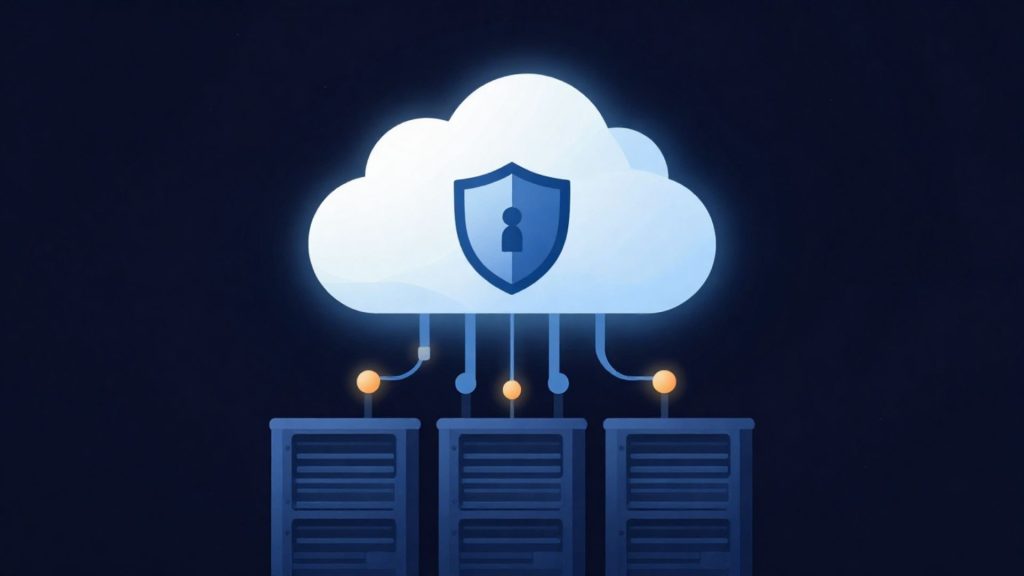
- Equinix Istanbul data center
- VMware-based infrastructure
- Veeam-based backup
- 99.9% availability target
- 15-min critical response target
- ISO 27001 · 22301 · 9001
Our Cloud Backup service
We build fully automated backup scenarios for physical servers, VMware virtual servers, Hyper-V environments, databases, file servers, and workstations. Hourly, daily, weekly, or monthly backups are taken according to the policy you define, and the entire process is monitored 24/7 by our expert team.
Your backups are stored encrypted in our secure data centers, and in the event of data loss, fast recovery (Instant Recovery) is available at any level you need, from a single file to an entire data center.
Our Cloud Backup service goes beyond simply copying data; through regular verification, backup integrity checks, and reporting, it ensures your backups are actually usable. This gives you a reliable backup infrastructure that works when you need it.
Get a custom quote
Tell us what you need, and our expert team will get back to you as soon as possible.
- Phone+90 532 054 49 14
- Emailinfo@mavcloud.com.tr
Why MAV Cloud Backup?
- Veeam Backup & Replication infrastructure
- Full VMware and Hyper-V support
- Physical and virtual server backup
- SQL, Oracle, PostgreSQL, and application backups
- Encrypted data transfer
- Fast Instant Recovery
- Automated backup policies
- Secure Cloud Storage infrastructure
- 24/7 monitoring and technical support
How does cloud backup with Veeam work?
Cloud backup means copying data from production systems at set intervals and transferring it to storage in a separate location. In a Veeam-based setup, the process has three layers: the backup job that reads data on the source system, the connection over which data is compressed, encrypted and transferred, and the repository where backups are stored. The first run takes a full backup; subsequent runs transfer only changed blocks. This incremental approach keeps both bandwidth usage and the backup window short.
On database and application servers, a consistent backup matters more than simply copying files. With application-aware processing, Veeam brings services such as SQL Server or Active Directory into a consistent state at the moment of backup, so a restored database opens without needing repair. Backing up transaction logs separately also makes it possible to roll a database back to a point in time between two full backups.
Restore options are layered as well: a single file or email item, a database object, an entire virtual disk or the whole server can each be restored separately. Which method applies to which scenario is decided when the backup policy is written.
At MAV Cloud, the backup repository runs on infrastructure hosted in Türkiye, separate from the production environment. Whether jobs complete successfully is tracked as part of 24/7 system monitoring, and an intervention process is started for jobs that fail or finish with warnings. The integrity of the backup chain is checked regularly; if a corrupted block is detected, it is recreated on the next run.
Service assurance: The service level agreement sets a monthly availability target of 99.9% for backup services and a 15-minute first-response target for critical incidents. Backup data protection follows an ISO/IEC 27001 information security management system, and recovery processes align with an ISO 22301 business continuity management system (see our certifications).
How to design the 3-2-1 rule and a retention policy
The 3-2-1 rule is the backbone of a backup strategy, but what really makes the difference is the retention policy. A retention policy defines how long each backup is kept and how many versions are retained. The design is based on the following distinction:
| Backup tier | Purpose | Typical use |
|---|---|---|
| Short term (daily, hourly) | Fast recovery from recent errors | Deleted files, a corrupted database table |
| Medium term (weekly, monthly) | Older versions for problems noticed late | Data corruption that surfaces weeks later |
| Long term (archive) | Regulatory and audit requirements | Financial records, contract and correspondence archives |
| Immutable copy | Last line of defense against ransomware | Clean recovery when an admin account is compromised |
In environments with high ransomware risk, the 3-2-1 rule is extended to a 3-2-1-1 approach in which one of the copies is immutable; this layer is provided by our immutable backup service. A comparison of different strategy options is available in our backup strategies guide.
What determines cloud backup pricing?
Cloud backup pricing is not based on a fixed package; it follows from the structure of the environment to be protected. The following items are clarified before a quote:
- Number of protected workloads: the number of physical servers, virtual machines and workstations.
- Source data volume and change rate: the amount of data that changes daily directly affects storage requirements.
- Retention period and number of versions: the length of the short-, medium- and long-term tiers.
- Application awareness: the need for consistent backups of databases such as SQL Server, Oracle or PostgreSQL.
- Need for an immutable copy: whether an immutable tier will be added.
- Management scope: whether job monitoring, restore tests and reporting are included in the service; this scope can be extended with Backup Management.
To estimate the storage needed from data size, daily change and retention, use the backup storage calculator; it also scores 3-2-1-1-0 compliance.
Who is Cloud Backup for?
- Any business with critical server and database data
- Those who want off-site backups to guard against ransomware
- Companies that can't manage backups with their own team
- Organizations required to retain backups for audit and compliance
Frequently asked questions about Cloud Backup
Where are my backups stored?
Your backups are stored encrypted in our secure data center infrastructure hosted in Türkiye, in an environment separate from your production systems.
How often are backups taken?
The backup policy is set according to your needs; hourly, daily, weekly, or monthly backups can be scheduled.
Can I restore a single file?
Yes. You can restore at any level, from a single file to an entire server; with Instant Recovery, virtual servers can be brought back up quickly.
What is the 3-2-1 backup rule?
It means keeping at least 3 copies of your data, on 2 different media, with 1 copy at a different location. Cloud backup covers the off-site part of this rule.
Do I need an on-premises Veeam license for Veeam backup?
It depends on the setup. If you already have a Veeam installation, backups can be sent directly to the cloud repository; if not, the backup architecture is planned as part of the service.
How is the first full backup transferred when data volume is large?
The first full backup is planned around available bandwidth and the downtime window. Subsequent backups transfer only changed blocks, so traffic drops significantly.
How do you know backups can actually be restored?
In addition to backup integrity checks, periodic restore tests are run. The tests confirm that the data opens and the application works.
Related guides
- How to Choose a VPS: 10 Things to Check
- Backup Strategy: How to Protect Your Business
- What Is the 3-2-1 Backup Rule? Step-by-Step Setup and 3-2-1-1-0
- How to Create a Disaster Recovery Plan: A Step-by-Step Guide
- What Is Immutable Backup? Unchangeable Backups Against Ransomware
- KVKK Data Backup: Technical Measures for Backing Up Personal Data in Türkiye
Our other Backup & Disaster Recovery services
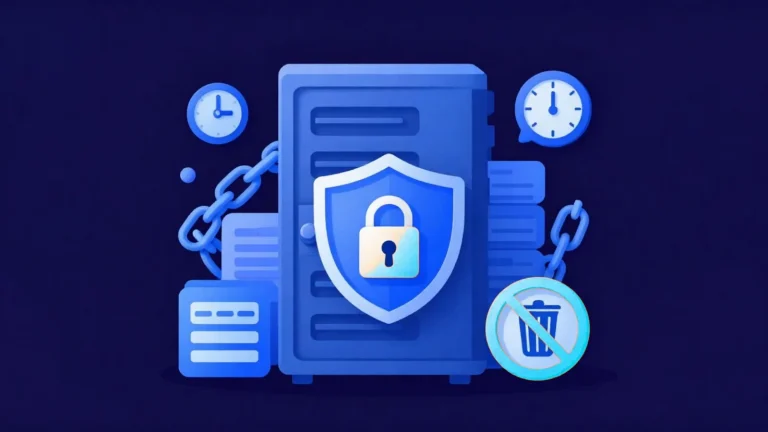 Immutable BackupIn recent years, backup systems have become attackers' first target in ransomware attacks. When backups are deleted or encrypted, businesses lose much of their…Learn more
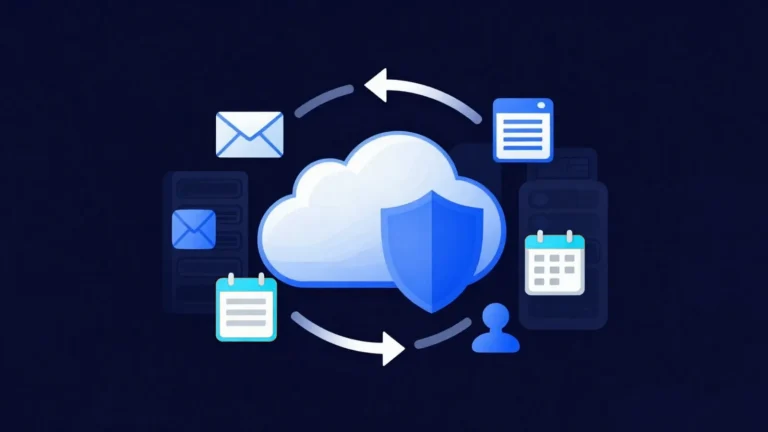 Microsoft 365 BackupAlthough Microsoft 365 offers high availability, Microsoft is not responsible for the long-term backup of your data. Accidentally deleted emails,…Learn more
 Disaster Recovery (DRaaS)Backups alone are not always enough for business continuity. If your critical systems stay down for hours, you can suffer serious financial losses. MAV…Learn more
 Data ReplicationBackups alone are not enough for business continuity. When hardware failures, data center outages or cyberattacks hit critical systems…Learn more