VDS vs. VPS vs. cloud server: what’s the difference?
When searching for virtual server rental, the terms VPS, VDS and cloud server are often used interchangeably; the difference lies in how resources are allocated and what happens when hardware fails. A VPS (virtual private server) usually runs on shared resources. A VDS (virtual dedicated server) provides CPU and memory dedicated to the virtual machine. A cloud server does not tie the virtual machine to a single physical server; it runs on a cluster and can be restarted on another node if one node has a problem.
| Feature | VPS | VDS | Cloud server |
|---|
| Resource allocation | Usually shared | Dedicated vCPU and RAM | Dedicated resources, on a cluster |
| On hardware failure | Downtime until the server is fixed | Downtime until the server is fixed | Restart on another node (high availability) |
| Scaling | Plan change | Plan change | CPU, RAM and disk can be increased incrementally |
| Best suited for | Testing, small websites | Single application, steady load | ERP, accounting, e-commerce, enterprise workloads |
MAV Cloud’s cloud servers run on VMware infrastructure in a data center in Türkiye; CPU, memory and NVMe disk are allocated to each virtual server. For a detailed comparison of the terms, see our VDS vs. VPS vs. cloud server guide.
Service assurance: Cloud servers run on Equinix Istanbul data center and VMware infrastructure. The service level agreement sets a monthly availability target of 99.9% for cloud server services and a 15-minute first-response target for critical incidents where the service is fully down. MAV Cloud’s information security management system is ISO/IEC 27001 certified (see our certifications).
For teams searching for a VDS, the options are summarized on the VDS server page; MAV Cloud meets this need on its cloud server platform rather than as a separate product.
What determines cloud server pricing?
Cloud server pricing is not a single package fee; it is the sum of the resources and service scope you choose. The following items are clarified when preparing a quote:
- vCPU and RAM: based on the application’s concurrent users and workload profile.
- Disk type and capacity: NVMe performance, data growth rate.
- Operating system and licenses: Windows Server, SQL Server, Remote Desktop Services (RDS) licenses.
- Backup: retention period, number of backup copies, need for immutable backup.
- Network and security: additional IPs, VPN, firewall rules.
- Management scope: infrastructure only, or operating system management and 24/7 monitoring as well.
The most reliable way to size correctly is to look at the resource usage of your current server; that is why a free infrastructure assessment is recommended before a quote.
To see the vCPU, RAM and profile storage needed for a given number of users and workload type, use the RDS / ERP server sizing calculator; the result helps define the server layout at the quote stage.
Starting price: The entry configuration with 4 vCPU, 8 GB RAM and 100 GB SSD starts at approximately USD 60–100 per month. The final price is set in the quote based on vCPU, RAM, disk, traffic and add-on services such as backup, management or security.
Use cases are covered separately on the Remote Desktop (RDS) server, ERP and accounting cloud hosting and server hosting in Turkey pages.

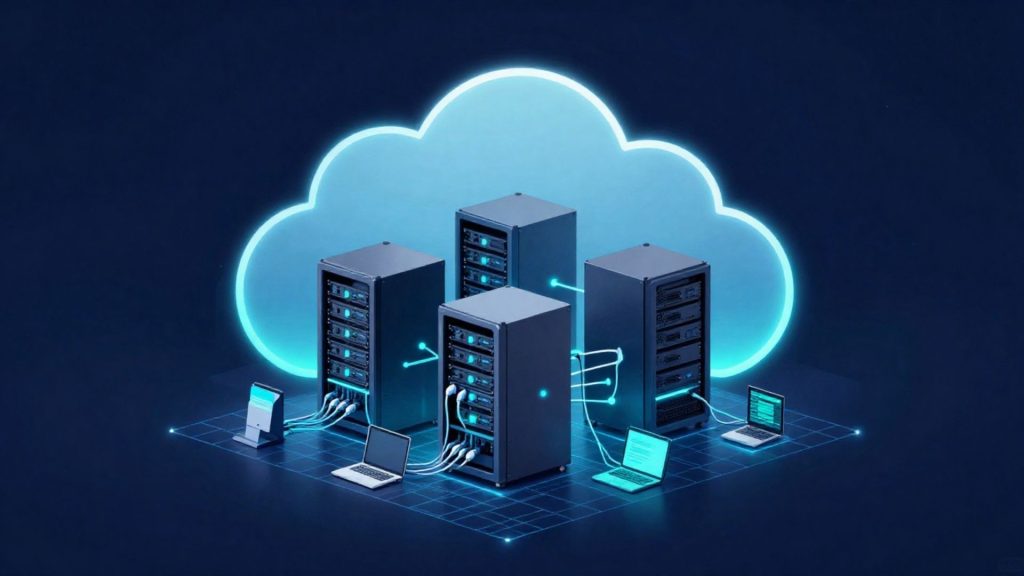
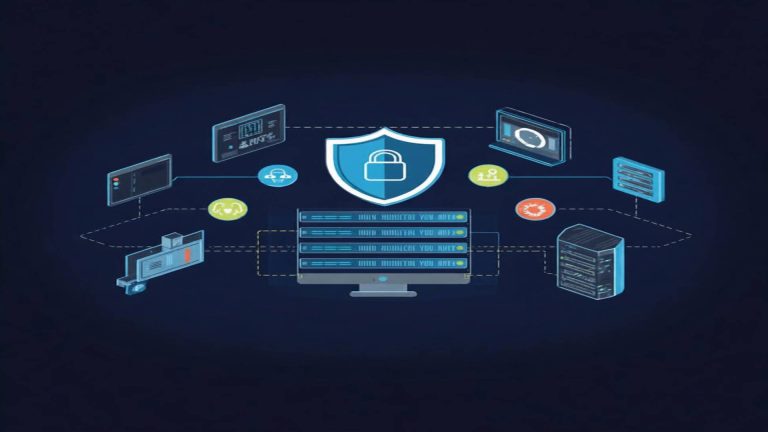 Dedicated Server RentalChoose our Dedicated Server Rental service for high performance, maximum security and hardware resources that are entirely yours. MAV Cloud provides CPU, RAM and…Learn more
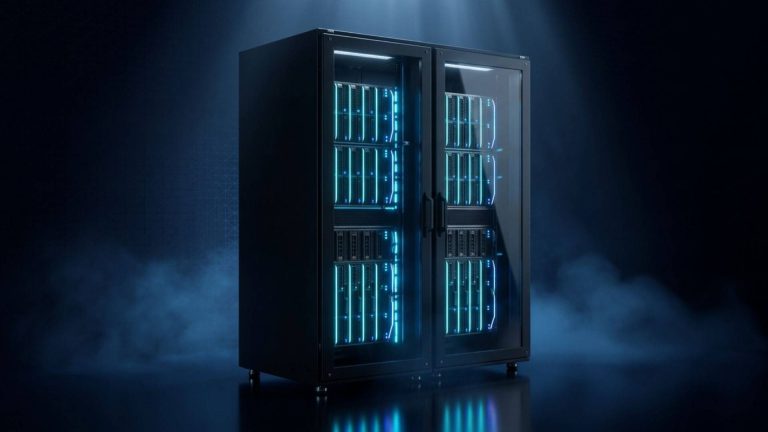 Colocation / Rack RentalColocation in Istanbul: host your own servers in a secure, high-performance Equinix data center with redundant power and 24/7 monitoring. Get a quote.Learn more
 GPU ServerIf your AI, machine learning, deep learning and high-performance computing projects need powerful GPU infrastructure, MAV Cloud GPU Server Rental…Learn more
 S3 Object StorageStore your data on S3 Object Storage infrastructure that is secure, scalable, and highly available. MAV Cloud S3 Storage provides applications, backup…Learn more
 CCTV CloudWith our CCTV Cloud service, store your security camera recordings on secure cloud infrastructure without depending on physical recording devices. MAV Cloud, camera…Learn more
 Cloud Migration ServicesCloud migration services in Turkey: move physical servers, virtual machines and data to the cloud securely, with careful planning and minimal downtime.Learn more