

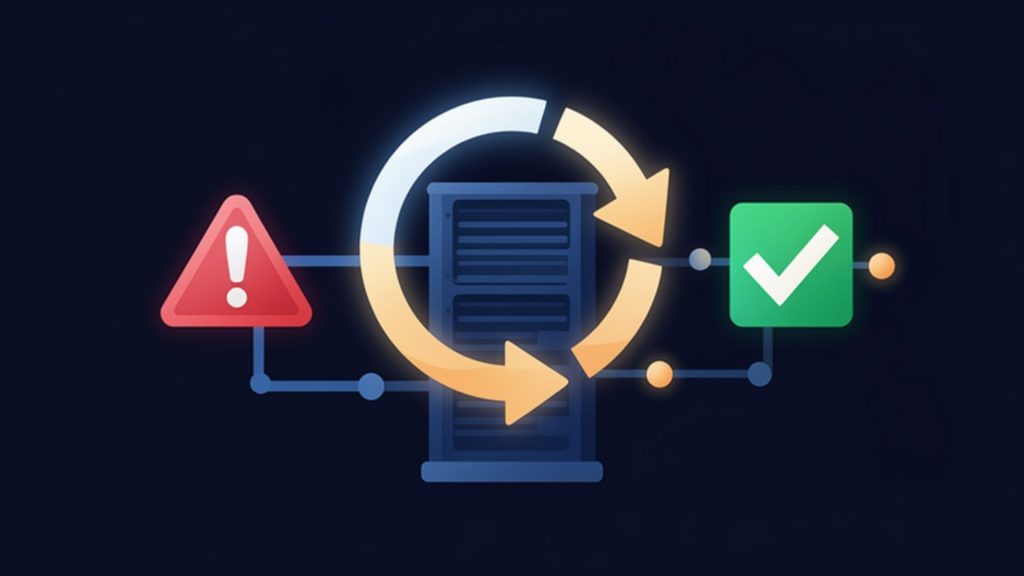
RTO and RPO are the measurable answers to two questions after an outage: how quickly must systems come back, and how much data can the business afford to lose? RTO (Recovery Time Objective) sets the recovery time target; RPO (Recovery Point Objective) sets the point in time data is restored to. Without these two values, a backup or disaster recovery investment ends up either oversized or insufficient.
This guide explains what RTO and RPO are with examples, how they are set for a business, which technologies meet them and how to balance them against cost.
Let’s Set Realistic Targets for Your Systems
Share the list of your critical systems and the MAV Cloud team will propose a recovery method and target values for each, in writing.
What is RTO?
RTO is the longest time a system can stay in recovery after an outage before the business is seriously affected. The US National Institute of Standards and Technology defines it as the overall length of time an information system’s components can be in the recovery phase before negatively impacting the organization’s mission or business processes (NIST Glossary).
If the RTO for an online shop’s order system is 1 hour, the system must be serving again within 1 hour of a server failure. The same target for an accounting archive might be one business day.
What is RPO?
RPO is the point in time to which data is restored after an outage; in practice it is the maximum acceptable data loss. NIST defines it as the point in time to which data must be recovered after an outage (NIST Glossary).
With a 24-hour RPO, a nightly backup is enough, but if the failure happens in the evening, the whole day’s transactions have to be re-entered. With a 15-minute RPO, a backup or copy must be taken at least every 15 minutes.
RTO vs RPO: what is the difference?
RTO is about time, RPO is about data. RTO answers “how quickly must the system come back?”, RPO answers “how much data can we afford to lose?”. The two are independent: a system can have a long RTO and a very short RPO.
| Criterion | RTO | RPO |
|---|---|---|
| Stands for | Recovery Time Objective | Recovery Point Objective |
| Measures | Downtime | Data loss |
| Looks | Forward from the failure | Back from the failure |
| Driven by | Restore and failover speed | Backup or copy frequency |
| Example | “Back online within 2 hours” | “At most 15 minutes of data lost” |
A third concept goes with these targets: maximum tolerable downtime (MTD), the longest a business process can be disrupted without significant harm. RTO must fit inside it.
How are RTO and RPO set?
RTO and RPO are not values the IT team picks alone; they come out of a business impact analysis done with the business units. NIST’s contingency planning guide likewise recommends choosing recovery strategies according to objectives set in a business impact analysis (NIST SP 800-34 Rev. 1).
The usual order is:
- Map systems to business processes: Orders, production planning, accounting and email are matched to the servers that run them.
- Estimate hourly downtime cost: Lost revenue, staff cost, contract penalties and reputation are assessed together.
- Measure the impact of data loss: Can lost transactions be re-entered, and are there legal record-keeping duties?
- Tier the systems: Different targets for critical, important and deferrable systems.
- Compare targets with budget: The technology cost of each target is calculated and approved by management.
To estimate hourly downtime cost quickly, the downtime cost calculator shows how much investment makes sense for which system.
Which technology meets which RPO and RTO?
The shorter the target, the more continuously the technology behind it has to run. The table below is a general frame; real values depend on data volume, network connectivity and application design.
| Method | Typical RPO | Typical RTO | Suited to |
|---|---|---|---|
| Daily offsite backup | Up to 24 hours | Hours to 1 day | Archives, deferrable systems |
| Frequent backups or snapshots | 1–4 hours | Hours | File servers, internal apps |
| Periodic replication | Minutes | Minutes to 1 hour | ERP, accounting, email |
| Continuous data protection (CDP) replication | Seconds | Minutes | Orders, payments, production planning |
Backup and replication do not replace each other. Replication keeps a current copy and delivers a short RPO, but it also carries deleted or encrypted data across just as fast. Systems with a short RPO therefore still need point-in-time backups and an immutable copy. Details of the replication service are on our data replication page.
A Second Site for Systems That Need a Short RPO
Critical systems can be replicated continuously to MAV Cloud’s Equinix Istanbul infrastructure and run at the second site during an outage.
Is the shortest target always right? The cost trade-off
No. Demanding the shortest RTO and RPO for every system spends most of the budget on systems that are not critical. A seconds-level RPO needs continuously running replication, standby capacity at a second site and high bandwidth.
The right approach is tiered targets: only systems whose downtime causes serious hourly loss get the shortest targets, and the rest are protected by restoring from backup. The same budget then brings critical systems back fast while all data stays protected.
Common practice and the right approach
In many businesses recovery targets are written once and never reviewed. The right approach ties them to business impact and measures them under real conditions:
- Tiers instead of one target: Systems are grouped by criticality rather than given the same target.
- Joint sign-off instead of an IT-only decision: Targets are approved with business units and management.
- Drills instead of paper: Targets are measured in regular drills and the results recorded.
- The whole chain, not just the server: DNS, network, authentication and application dependencies are included in the time.
Common mistakes when setting RTO and RPO
Most mistakes come from targets never being measured in real conditions. An RTO of 1 hour on paper can take far longer in a drill because of network settings and user access.
- Confusing backup frequency with RPO: If the nightly backup runs until morning, the real RPO is longer.
- Not timing restores: Restoring a large database over the internet can take hours; RTO must include that time.
- Skipping dependencies: An application server that comes up without its database or authentication server still cannot serve users.
- Ignoring ransomware: A copy of encrypted data may itself be encrypted; a clean restore point must be planned separately.
How targets fit into the plan is covered step by step in our how to create a disaster recovery plan guide.
Data residency in Türkiye and KVKK
Recovery targets are not only a technical matter. For systems holding personal data, the country where the second copy is kept matters under the cross-border transfer rules of Türkiye’s data protection law (KVKK, Law No. 6698). This is general information and not legal advice.
MAV Cloud’s backup, replication and disaster recovery services run on VMware infrastructure in the Equinix Istanbul data center and are Veeam-based; copies are kept on infrastructure located in Türkiye.
RTO and RPO targets in MAV Cloud disaster recovery
In MAV Cloud’s continuous data protection (CDP) based disaster recovery service, the target RPO for critical systems is 15–60 seconds and the target RTO is 5–15 minutes. These are targets, not commitments, and are validated with a recovery test at the start of each project.
- Availability target: The written SLA sets a 99.9% monthly availability target and a 15-minute initial response target for critical incidents.
- Documented processes: ISO/IEC 27001 information security and ISO 22301 business continuity management systems.
- Tiered protection: Replication for critical systems, restore from backup and immutable backup for the rest.
Service scope and onboarding are described on our disaster recovery as a service page.
Frequently Asked Questions
What is RTO?
RTO (Recovery Time Objective) is the longest acceptable time for a system to be back in service after an outage. Beyond it, business processes are seriously affected.
What is RPO?
RPO (Recovery Point Objective) is the point in time data is restored to after an outage. In practice it is the maximum acceptable data loss since the last backup or copy.
What is the difference between RTO and RPO?
RTO measures downtime, RPO measures data loss. RTO looks forward from the failure, RPO looks back; one depends on restore speed, the other on backup or copy frequency.
Can RPO be zero?
Methods such as synchronous replication can target an RPO very close to zero, but they need high bandwidth and short distances and are costly. A clean point-in-time copy is still needed for scenarios like ransomware.
Who sets RTO and RPO?
The IT team, business units and management set them together. The key input is a business impact analysis showing the cost of downtime and data loss.
What RPO does a daily backup give?
With one backup a day, RPO is up to 24 hours. If the failure happens just before the backup, about a day of data can be lost; the backup job’s own duration also counts.
How are RTO and RPO tested?
In a periodic drill a selected system is brought up from backup or the second site, and the elapsed time and restored data point are recorded. Measured values are compared with targets and the plan is updated.
What are MAV Cloud’s RTO and RPO targets?
In the CDP-based disaster recovery service, the target RPO for critical systems is 15–60 seconds and the target RTO is 5–15 minutes. These are targets, not commitments, and are validated with a test at project start.
Free Initial Review of Your Recovery Targets
Based on your current backup setup and critical systems, the real RTO and RPO and their gap to your targets are reviewed free of charge.
Readers learning the concepts can start with the definitions and comparison table. Teams preparing to set targets can apply the five-step process to their own system list. Businesses ready to meet their targets with realistic infrastructure can request an initial review from the MAV Cloud team.